
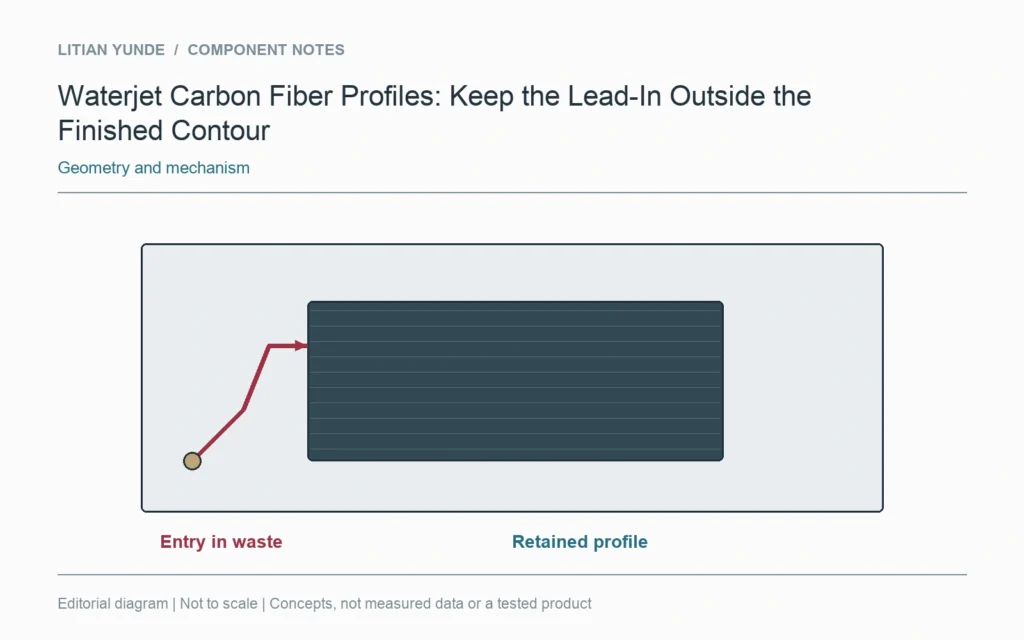
A waterjet profile includes an entry strategy as well as a finished contour. Ask the machining supplier to show where the cut starts and how it approaches the part boundary. A clean outline in the CAD file does not describe the piercing location or the entry path.
Separate scrap and component
Mark the retained part and surrounding waste on the reviewed setup. The proposed lead-in should be understood relative to those regions. A small opening may leave little room for entry, so its process proposal needs review rather than an assumption based on the outside profile.
Review the actual cutting proposal
Autodesk’s profile-cutting documentation treats lead-in and lead-out as toolpath choices. That software description does not qualify waterjet cutting for a particular laminate. The supplier still needs to address the selected stock, machine process and delivered edge requirements.
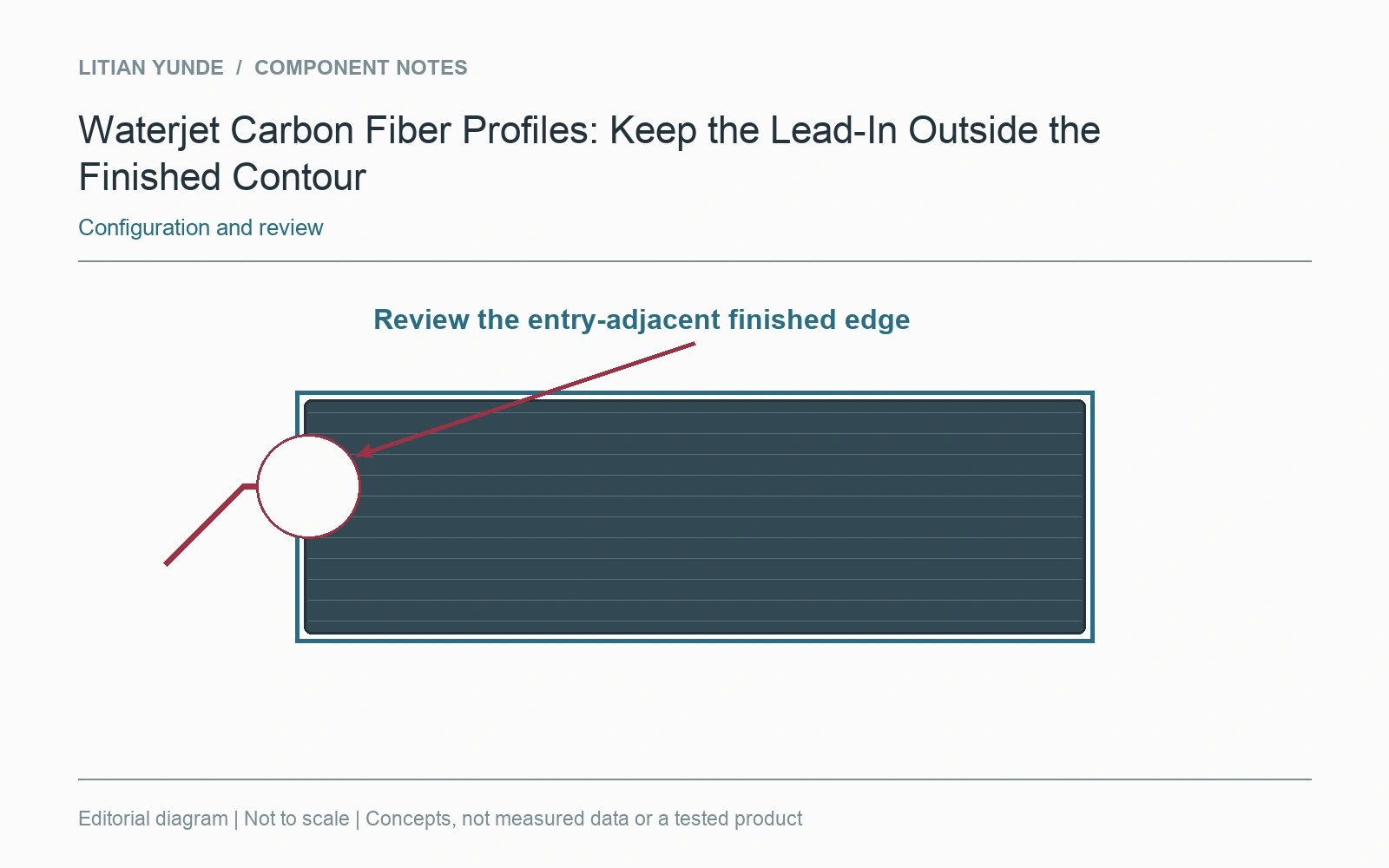
Check the start region after cutting
Include the entry-adjacent portion of the finished edge in the agreed inspection. If local finishing follows, identify its scope and resulting boundary. Do not treat a changed start point as a drawing revision unless the product definition actually changes. The useful record connects the cutting route to the delivered contour without promising a universally damage-free process.
Further reading: Autodesk Fusion: profile lead-ins and holding tabs.