
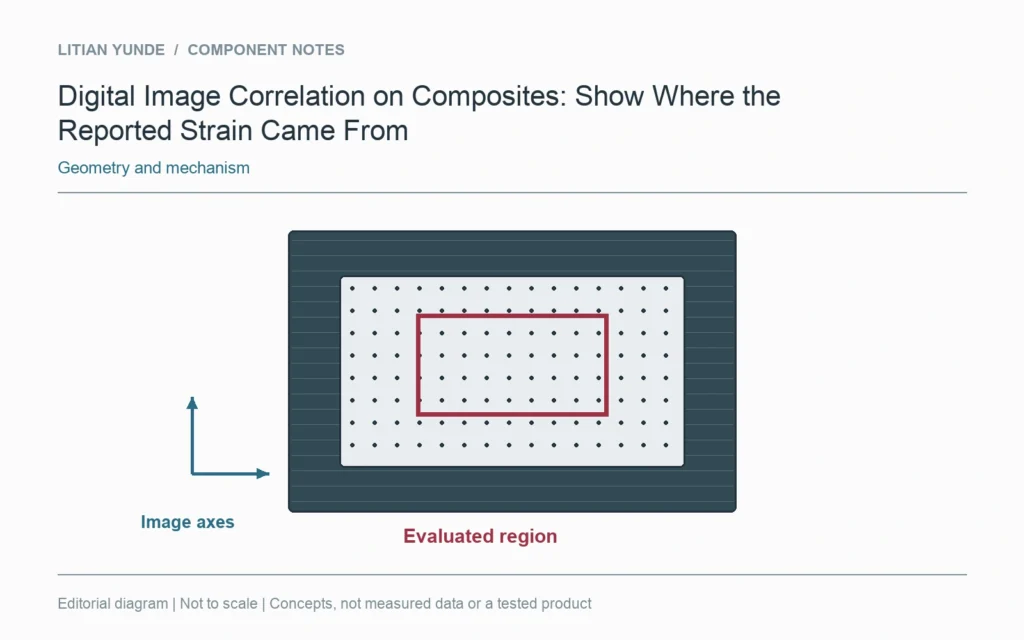
A strain value from digital image correlation needs its direction and evaluated region. A coloured field does not identify the region used for a reported average. Keep the original images, coordinate definition and processing settings with the test result.
Locate the evaluated area
Mark the area of interest on the specimen image. If a smaller region or virtual gauge supplies the reported value, locate that too. The DICe tutorial distinguishes full-field analysis from its subset and virtual-strain-gauge settings; these are part of the measurement definition.
Make the axes readable
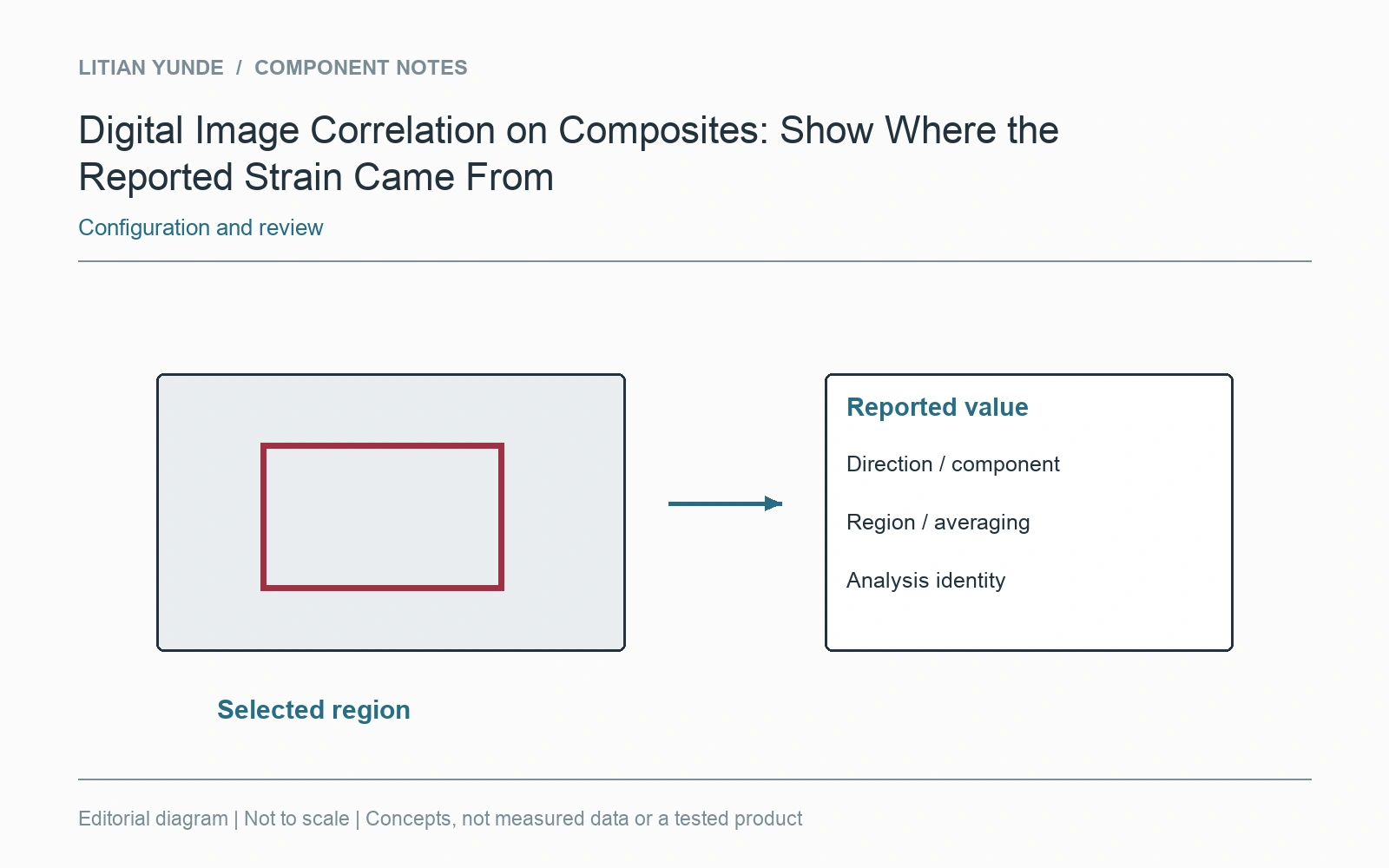
State which strain component is plotted and how the image axes relate to the specimen. A maximum at one location and an average over a selected area answer different questions. Keep the displayed scale and the processing stage attached to any exported picture.
Preserve changes to the analysis
If the region or settings change during review, retain which output belongs to which analysis. Do not overwrite the only copy of the earlier result. Agreement between two screenshots is not enough when their averaging areas differ. The test report should let a reviewer locate the measured area and understand how the published value was extracted from the underlying image sequence.
Further reading: Sandia DICe: regions and processing definitions.