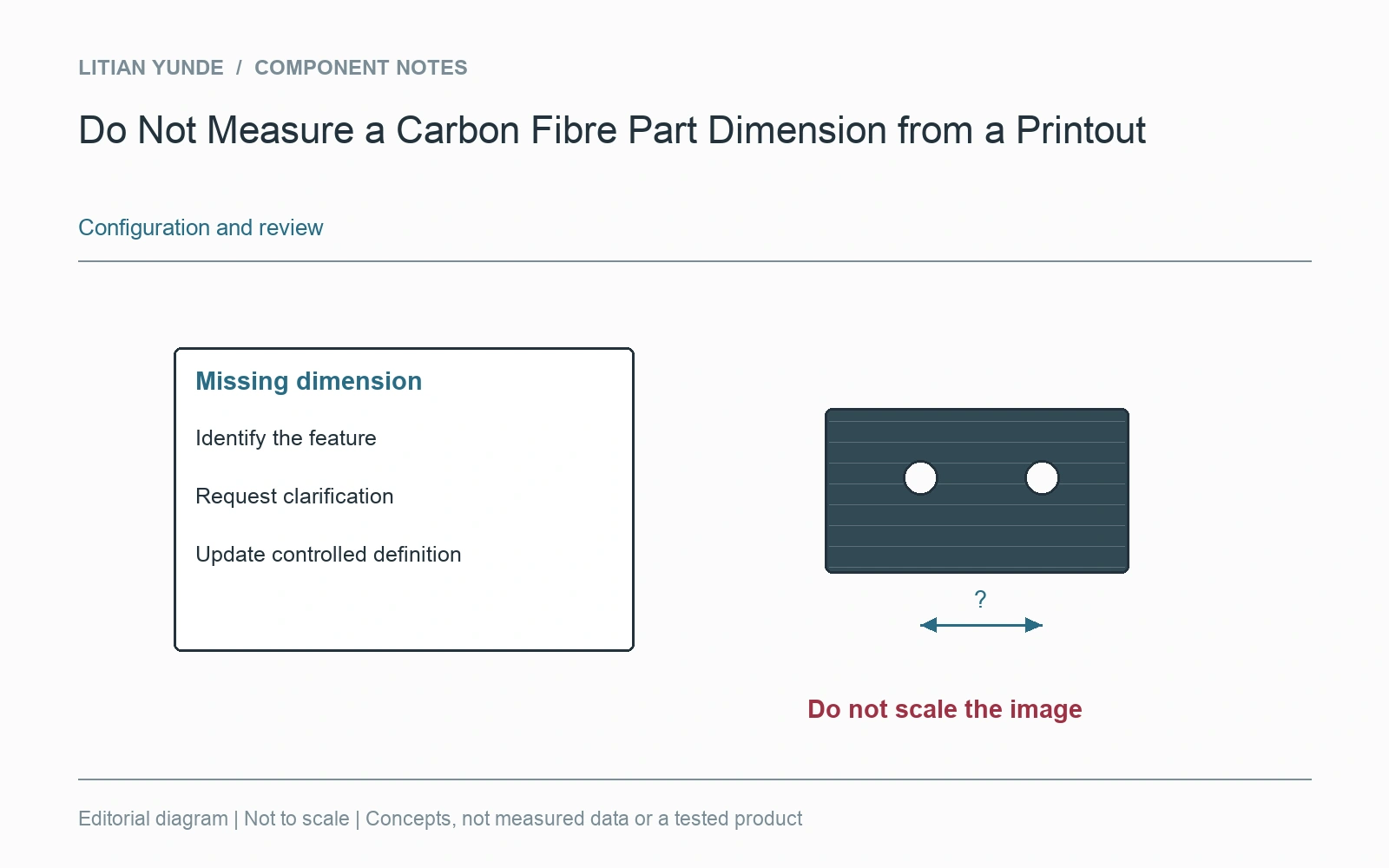
A printed or on-screen drawing may have been resized. Use the stated dimensions and the agreed controlled definition rather than measuring a screenshot with a ruler. If a required dimension is absent or conflicts with the model, resolve it before production.
A PDF viewer, printer setting or presentation slide can scale an entire drawing. Its title block can still display the original drawing scale. A screen capture can also lose the page boundary or scale note. Neither image size nor apparent proportion establishes a manufacturing dimension.
Keep the enquiry usable
Send the controlled drawing and any model identified as part of the definition. Preserve units, revision, notes and relevant views. If a supplier needs an omitted distance, identify the feature and request clarification rather than adding a value calculated from the displayed picture. Do not create a new production dimension in a comparison worksheet.
Record the resolved definition
If a clarification introduces a dimension or changes the controlling reference, keep that decision with the approved files. A photograph of the desired part can help explain the shape but should remain a reference image. Before a repeat order, use the identified revision rather than the last screenshot in a message thread. This keeps a harmless print-size change from being interpreted as a change in the component.