
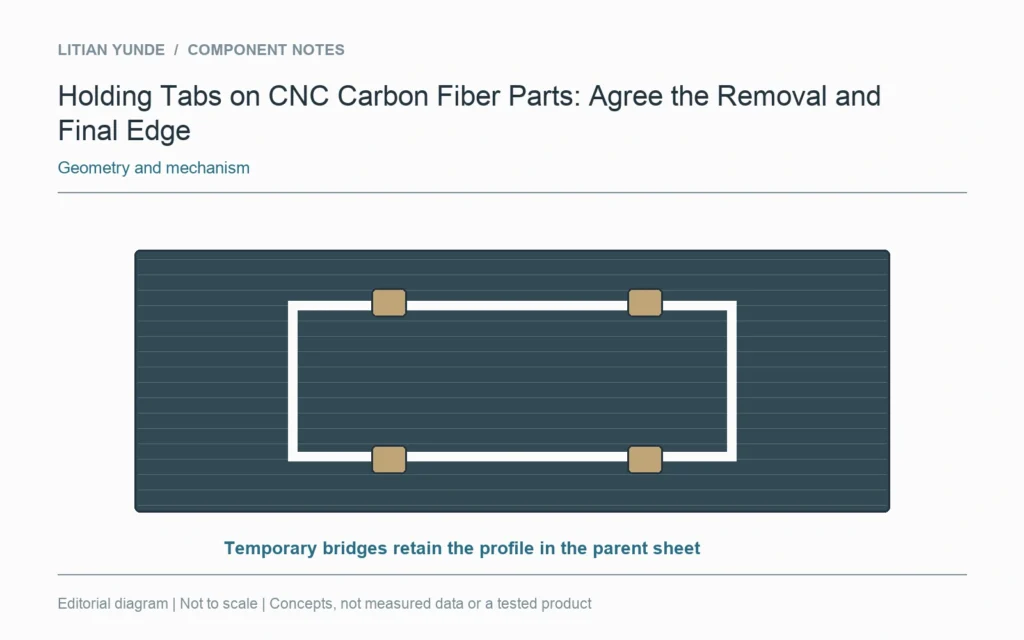
A holding tab is temporary material left to retain a profiled part during machining. If tabs are proposed, agree where they sit, who removes them and what edge is delivered. A part supplied with tabs attached is a different delivery condition from a fully finished profile.
Show the temporary bridges
Mark the tab locations on the manufacturing proposal without confusing them with permanent mounting features. Autodesk’s profile documentation includes tab settings as a machining choice. Their number and size are process decisions for the actual stock and setup, not universal dimensions from a reference sketch.
Define the subsequent operation
Identify how the part is supported for tab removal and what finishing follows. Keep the finished contour requirement visible after the temporary bridges are gone. Avoid approving a cosmetic edge sample that excludes every location where a tab was removed.
Make delivery condition explicit
The quotation should state whether the customer receives a separated part, a tabbed part in a parent sheet or another agreed arrangement. If separation is performed by the customer, retain the agreed responsibility and relevant instructions. Final acceptance follows the delivered geometry and edge requirements; the fact that a tab kept the part in place during machining does not establish the quality of its removal.
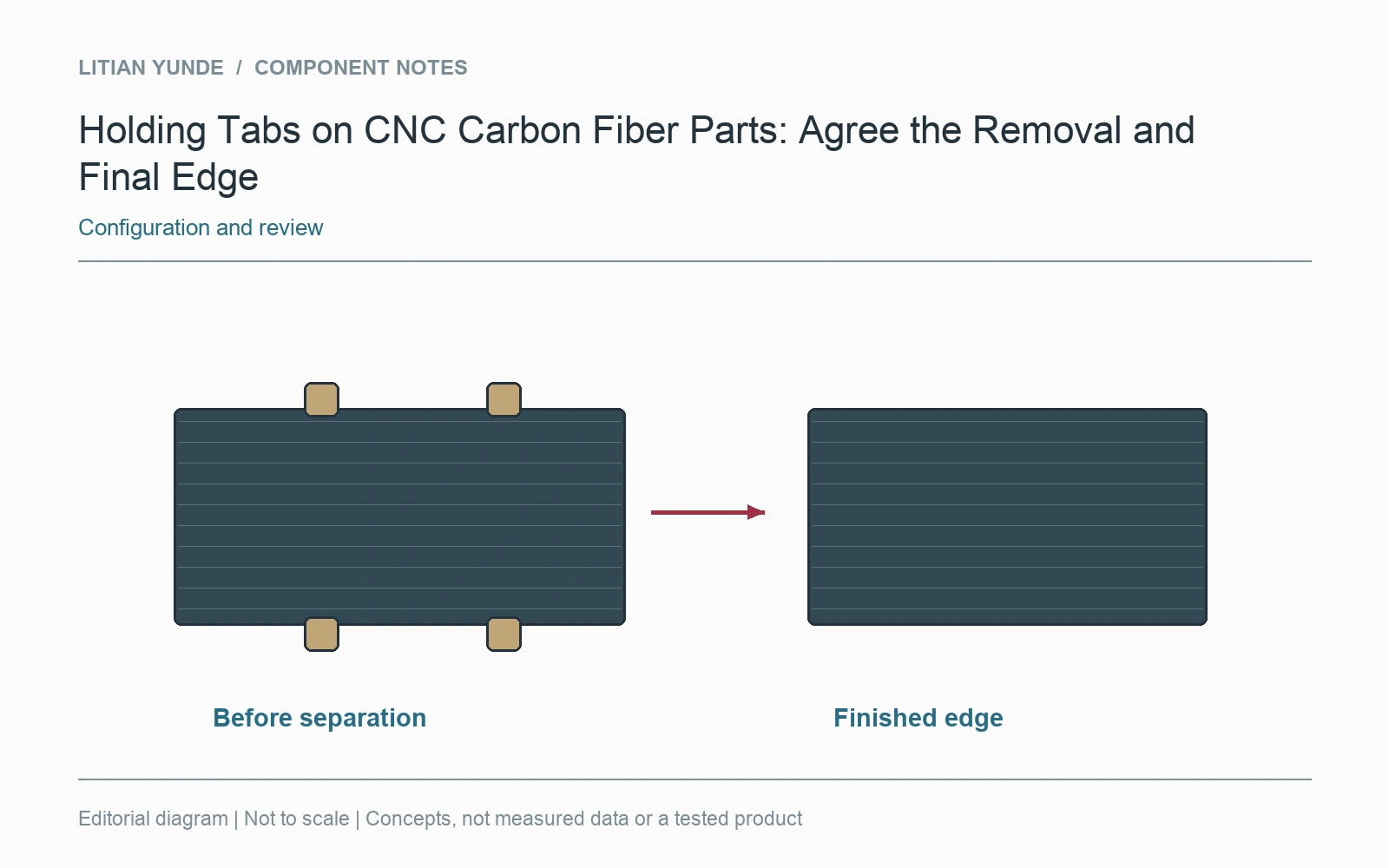
For the project review: temporary tab locations; removal and support proposal; post-removal edge requirement; who separates the part before delivery.
Further reading: Autodesk Fusion: profile lead-ins and holding tabs.