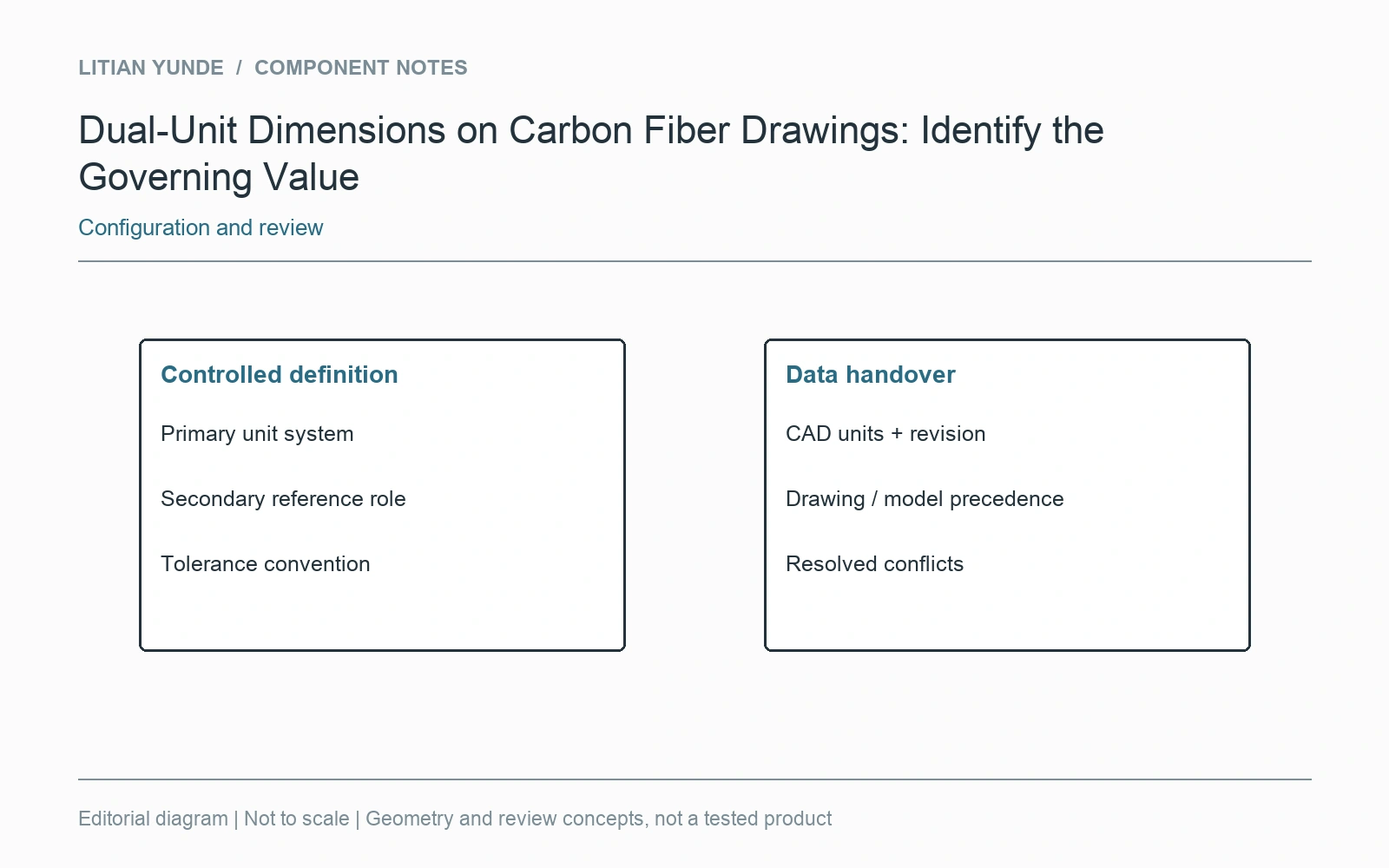
A drawing showing both millimetres and inches needs a clear rule for which value governs. Rounded secondary dimensions should not become a second, conflicting acceptance requirement. Keep units and the controlling definition visible on the released drawing.
Resolve the ambiguity before quoting
A supplier should not have to choose which of two slightly different dimensions is intended. Identify the primary unit system and the role of any converted dimensions. If the drawing’s convention is unclear, issue a clarification through the agreed drawing-control process rather than adding a private assumption to a machining file.
Include tolerances in the review
A converted nominal dimension alone does not explain how the tolerance applies. Check the complete released definition, including general notes and reference dimensions. Do not round a critical requirement independently in an email or spreadsheet and then use that copy as the inspection authority.
Keep model and drawing references aligned
State the unit system and revision for the supplied CAD data. Where a drawing and a model disagree, record which definition controls the affected feature and resolve the conflict before release. This article concerns document clarity; it does not select a particular drafting standard or invent a tolerance for the component.